
Back Up Your TPT Store. Without the Tech Headache.

Your TPT store represents hours (okay, probably YEARS) of hard work. Your product listings, descriptions, images, and resources deserve a backup plan. Store Backup Studio is your new favorite FREE teacherpreneur tool. In just a few steps (and a few minutes!), you can download a spreadsheet of your TPT product information AND a visual library of your store’s product images and available previews. No complicated software. No tech degree required. Just a little peace of mind for your teacher business.

SO, How does it work… and is it safe?

It’s easier than you think! You’ll log into your own TPT account, use our simple browser tool to collect your available store information, and download your backups directly to your computer. Your backup is processed in your browser, so nothing is ever uploaded to our servers keeping your data safe and sound. You stay in control of where your backup files are saved.

Store Backup Studio is an independent tool from Thriving Teacher Inc. and is not affiliated with or endorsed by Teachers Pay Teachers.

Quick heads-up: you’ll need a desktop computer to run your backup – this part doesn’t work on a phone or tablet.

Start your free backup now by filling out the form below:

Store Backup Studio

By clicking the button below, you will also be added to my free email club. You can unsubscribe anytime!

TWO BACKUPS. ONE FREE TOOL. ZERO STRESS.

Plus an additional free bonus included inside!!!
FREQUENTLY ASKED QUESTIONS

Yes! 100% free! I created Store Backup Studio to help fellow TPT sellers protect and organize the resources they’ve worked so hard to create. There are no subscriptions, hidden fees, or purchases required to back up your store.

Your privacy and the security of your teaching resources are incredibly important to me!

Store Backup Studio is designed to help you back up your own store, not access anyone else’s private teaching resources. While basic listing details, like product titles, descriptions, and images, are already visible to anyone who visits TPT, your original downloadable resource files remain protected by TPT’s existing security and access permissions. Store Backup Studio cannot bypass those protections or give someone access to your private files.

Your backup files are processed right in your browser, not uploaded to my website. You’re in control of what you save to your computer. Store Backup Studio helps you save and organize your TPT listing information so you have your own copy to keep and reference whenever you need it.

You’ll be able to download:

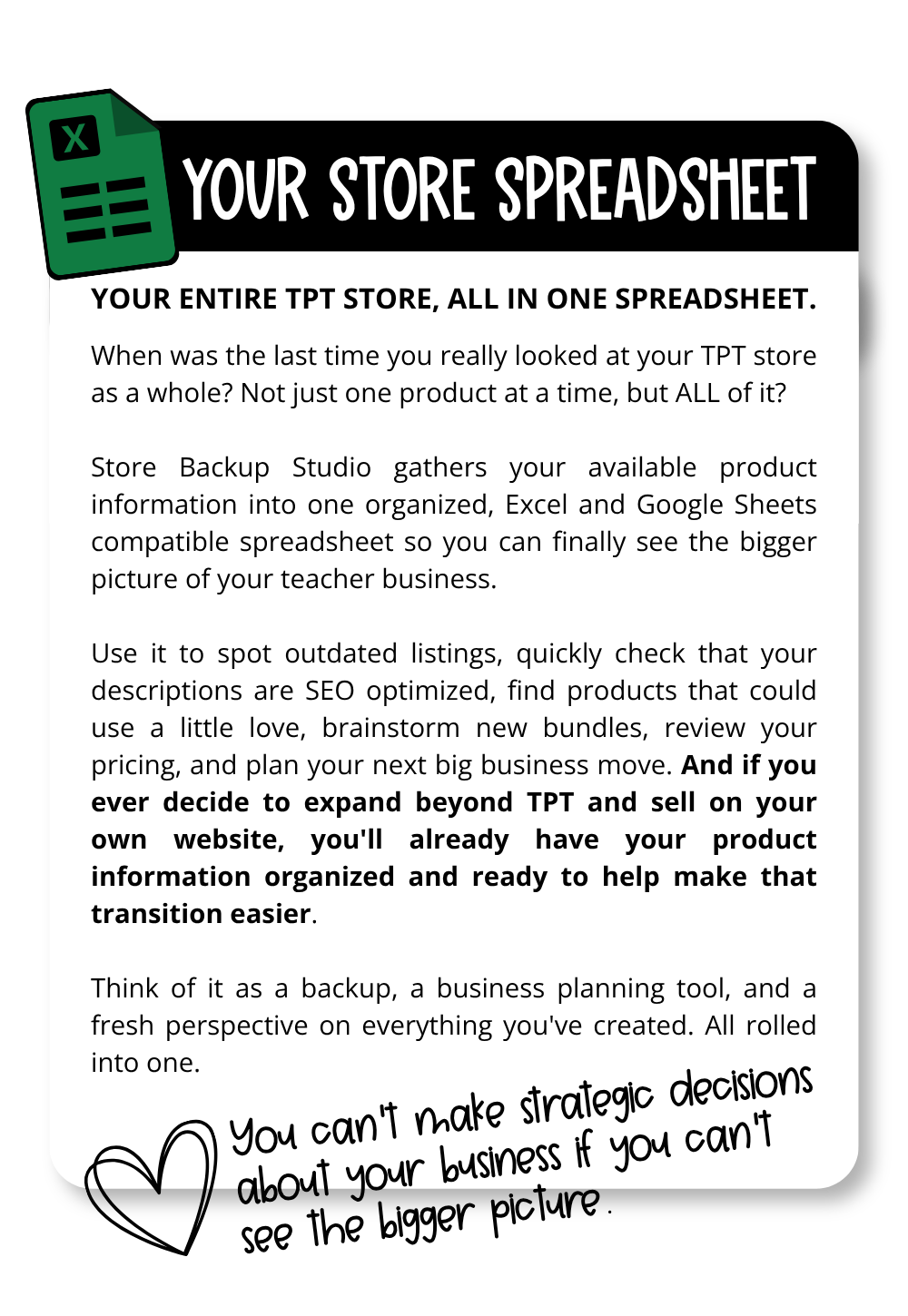
• My Backup File: An organized Excel spreadsheet with your product titles, descriptions, prices, and other important listing details.
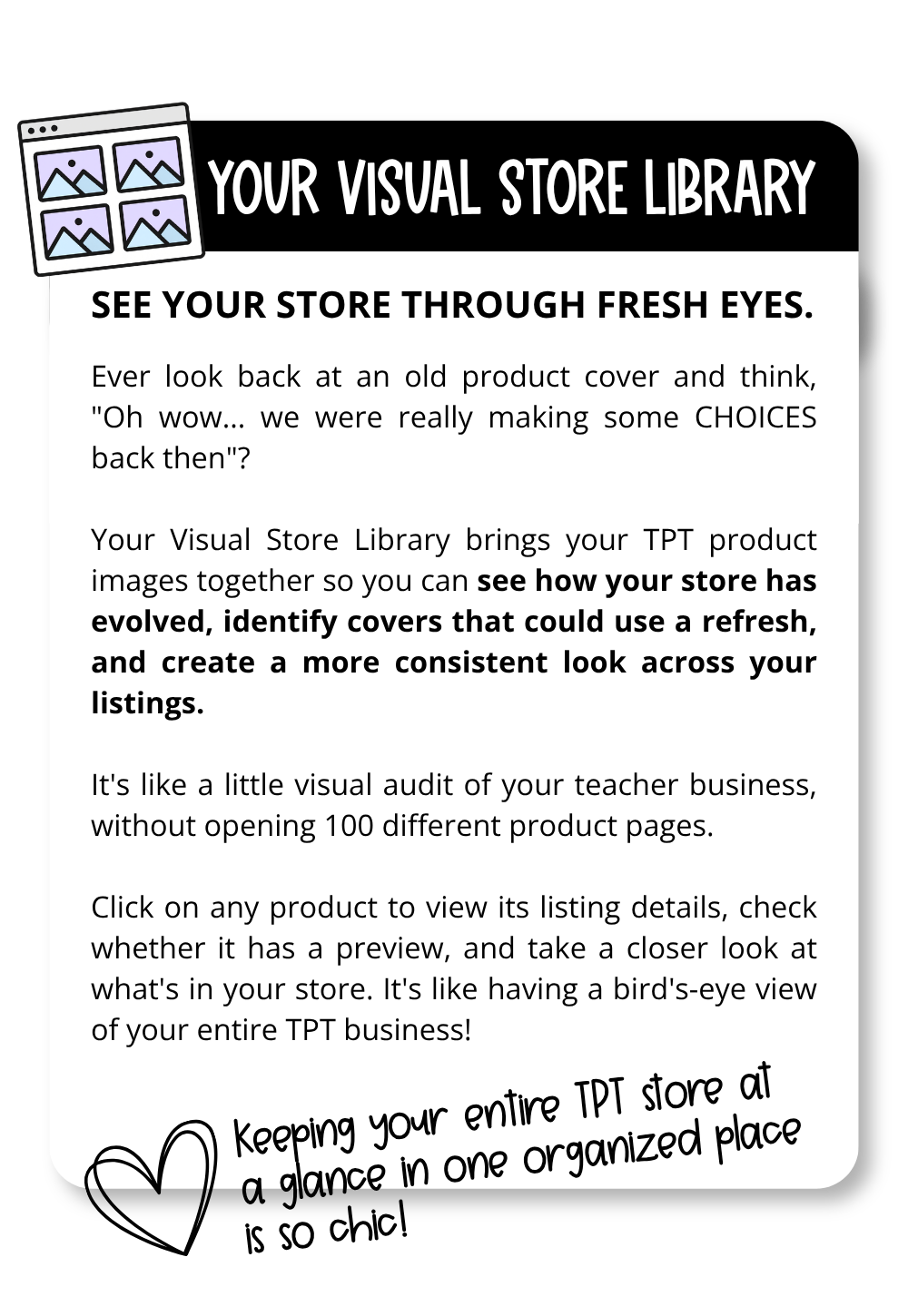
• My Visual Library: A browsable catalog of your products, complete with images, descriptions, and links to your TPT listings.

And there’s a little bonus waiting for you inside! I’ve included an optional feature to help you organize your original teaching resources and images into a portable archive, all in one place. It’s completely up to you whether you want to use it!

That’s one of the biggest reasons I created this tool! No matter what you decide to do with your TPT store, having your product information saved and organized gives you more flexibility.

Instead of starting from scratch trying to remember product descriptions, prices, and other listing details, you’ll already have much of that information in one place. Your backup isn’t a one-click store migration, but it can make preparing for your next steps a whole lot easier!

Store Backup Studio was created with sellers who have lots of listings in mind! Instead of manually opening and copying information from every product, the tool helps you collect your listing details and organize them into downloadable files.

Not at all! You don’t need to know anything about coding, spreadsheets, or website development. I’ve included step-by-step instructions to walk you through the process. You’ll need a desktop or laptop computer, an internet connection, and access to your TPT store.

And if you get stuck, you can always reach out! 🤍

No special software installation is required! Store Backup Studio runs in your web browser. You’ll add a small shortcut to your bookmarks bar, use it to collect your store information, and then return to Store Backup Studio to organize and download your backup.

Nope! Store Backup Studio doesn’t use AI to collect, analyze, or process your store information or teaching resources.
 

The tool runs on JavaScript, which is simply the programming language used to make websites and interactive tools work. Your backup files are processed right in your own browser, not uploaded to my website or sent to a server for processing.
 
And because I always want to be completely transparent with you, I did use AI to help me write and develop some of the code! But there’s an important difference between using AI to help build a tool and having AI actually run the tool.
 
Store Backup Studio runs on traditional programming, not AI. No AI is reading, analyzing, or processing your teaching resources. Your files stay in your hands, right where they belong!

Backing up your business isn’t the same thing as leaving TPT! You don’t have to make any big decisions about your store to benefit from having your information organized and saved.

Whether you stay on TPT, expand to another platform, or simply want peace of mind knowing you’ve preserved years of hard work, having your own backup is a smart move. You worked hard to build your teacher business. You deserve to have your own organized record of it.