
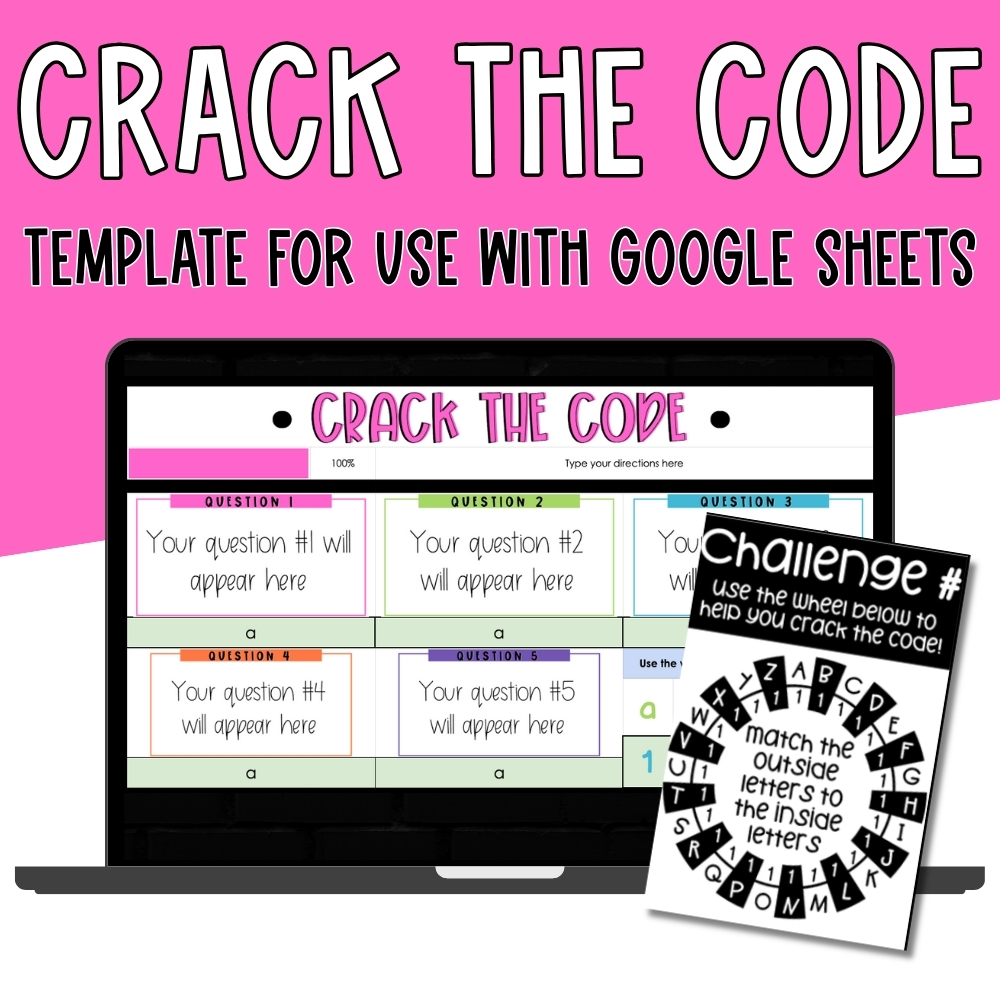
Crack the Code Template for Google Sheets
Original price was: $19.00.$12.00Current price is: $12.00.
Engage your students with this Crack the Code Google Sheets Template!
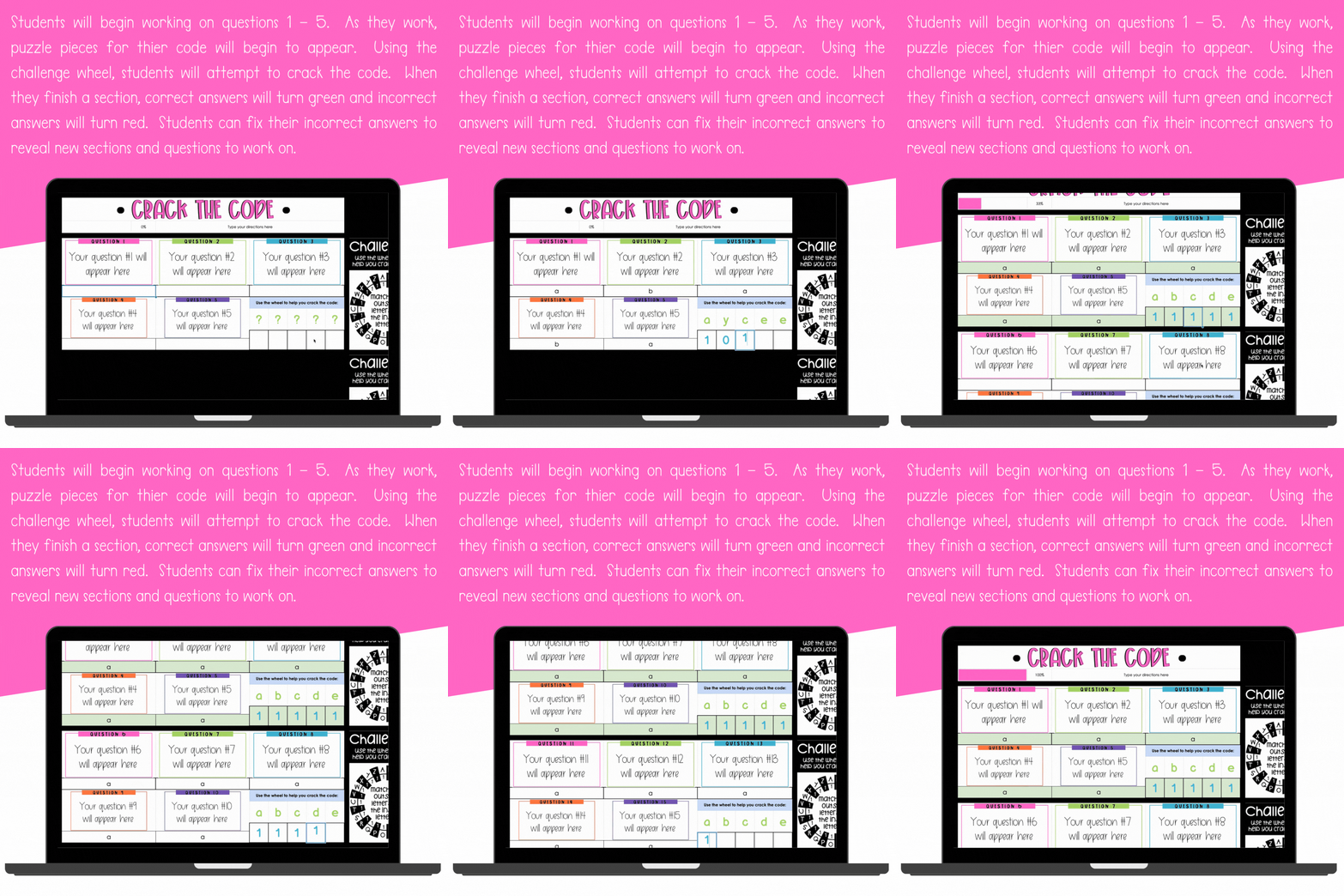
✔ Self-checking activity with instant feedback (green = correct, red = incorrect)
✔ Students reveal puzzle pieces and crack a secret code
✔ Fully editable – add your own questions, answers, and codes
✔ Customizable fonts, colors, and layout to match your style
✔ Perfect for review, test prep, centers, or whole-class challenges
✔ Includes step-by-step video tutorial + written directions
🔐Can your students crack the code?
Your students won’t just be answering questions… they’ll be cracking a secret code!
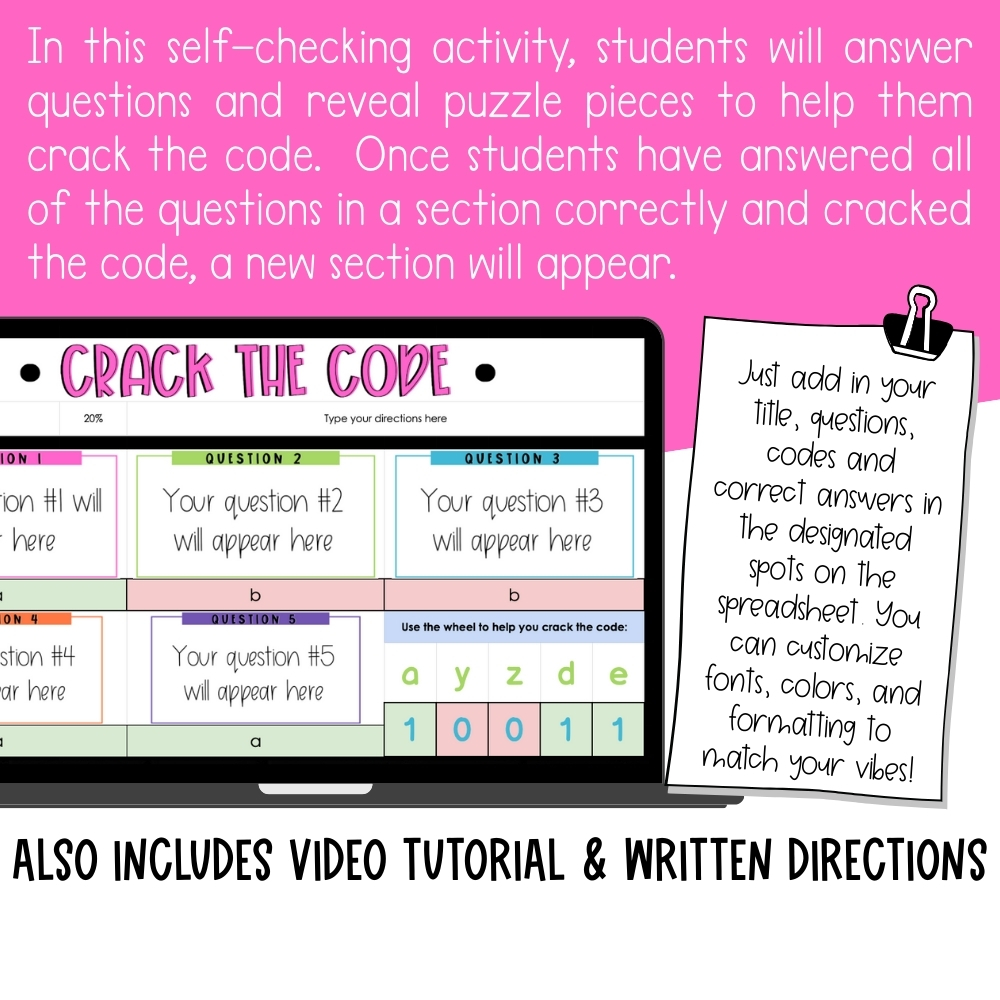
With this interactive Crack the Code Google Sheets Template, practice turns into a puzzle-solving adventure. Students answer questions, reveal hidden puzzle pieces, and use the challenge wheel to unlock the final code. The best part? The activity is completely self-checking — correct answers light up in green, incorrect answers turn red — so students stay motivated while you save time on grading.
How it Works:
-
Students begin with the first set of questions.
-
Each correct answer reveals part of the code.
-
Once a section is complete, the challenge wheel appears.
-
Students use the wheel to crack the code and unlock the next section.
-
The excitement builds until they solve the final puzzle! 🎉
This template is flexible and can be used with any subject: math facts, vocabulary, comprehension questions, science review, test prep, and more. Simply add your own questions, answers, and codes, then customize the fonts, colors, and formatting to match your classroom vibe.
Everything you need is included: step-by-step written directions and a video tutorial so you can set it up in minutes and reuse it again and again.
Why Teachers Love It:
✔ Turns practice into an engaging puzzle challenge
✔ Self-checking with instant feedback (no grading needed!)
✔ Works for any subject or grade level
✔ Fully editable — add your own questions & codes
✔ Flexible for review, centers, enrichment, or whole-class play
✔ Includes video tutorial + written setup guide
📌This template is for use with GOOGLE SHEETS ONLY and is not compatible with Microsoft Excel.
What do I need to use this template?
All you need is a Google account and a browser. This template was built for Google Sheets and runs right in Chrome — step-by-step written directions and a video tutorial are included so you can set it up in minutes. It is not compatible with Microsoft Excel.
Will this work on Chromebooks?
Yes — Chromebooks and Google Sheets are a perfect match! Students just sign into their Google account and start cracking codes.
Can I add my own questions?
Yes. The template is fully editable — simply add your own questions, answers, and codes, then customize the fonts, colors, and formatting to match your classroom vibe. It works with any subject, from math facts to science review.
Can I use this with Google Classroom or while screen-sharing on Zoom?
Yes. Share the link with your students through Google Classroom so everyone gets their own copy, or share your screen on Zoom and crack the code together as a class.
Am I allowed to sell resources I make with this template?
Yes, with a couple of kind requests. The terms of use allow you to create and sell your own resources using the template, as long as they include an educational component and are not sold in the same format the templates are sold in. The templates themselves may not be resold or claimed as your own. Your purchase is for your individual use, and please include the logos on your credit page.
Only logged in customers who have purchased this product may leave a review.
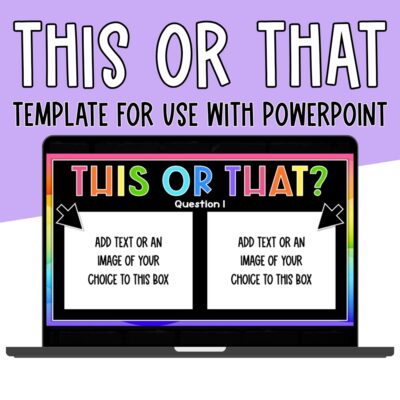 This or That Template for PowerPoint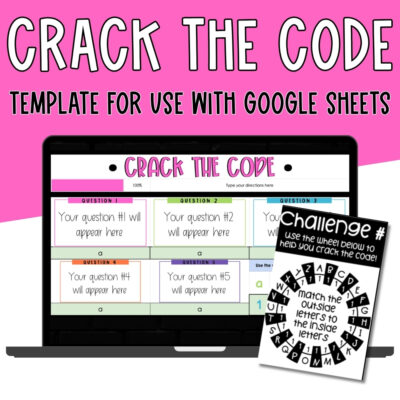
Reviews
There are no reviews yet.