
CLASSROOM GAMES
Self-Checking Google Sheets Games for the Classroom
If review day in your classroom currently looks like glazed eyes, half-hearted worksheet completion, and you speed-grading a stack of papers at 9 p.m…. we need to talk.
A self-checking Google Sheets game template turns the review game you already wish you had time to build into something that runs itself. Students get instant feedback on every answer, and you get your evening back.
There’s no printing, cutting, or grading. You share a link, and your most checked-out class is leaning forward, arguing (politely) over answers, and asking to play again tomorrow.
Here’s what these games are, how the self-checking works, which formats exist, and what you need to run one on Monday.
What Is a Self-Checking Google Sheets Game Template?
A self-checking Google Sheets game template is a pre-built, interactive game that lives inside Google Sheets. You type in your own questions and answers once, share the file with your students, and the spreadsheet does the rest. It instantly tells each student whether their answer is right or wrong, usually with a satisfying color change, score update, or game move.
Think of it as the love child of a worksheet and a video game, minus the part where you grade anything.
Unlike a static slide deck or a printable game board, the “self-checking” part means students don’t wait for you to confirm answers. They know immediately. That instant feedback loop is the whole ballgame: it’s what keeps them playing, and it’s what makes the learning stick.
Why Teachers Are Obsessed With Them
Let’s be honest about why the interactive Google Sheets template teachers keep raving about actually works:
Instant feedback, zero grading. Students see right away if they’re correct. You collect nothing, grade nothing, and enter nothing into the gradebook at midnight. The spreadsheet handled it.
Every student participates. In a whole-class review game, three kids answer and twenty-seven watch. In a Sheets game, every single student is answering every single question. There’s nowhere to hide, in the best way.
They work at every pace. Your fast finishers fly through. Your strugglers get unlimited attempts without the embarrassment of raising a hand to say “I don’t get it.” The game doesn’t judge; it just says “try again.”
Zero prep after setup. You enter your questions once. The template handles the game mechanics forever. Swap in new questions for the next unit in minutes.
Kids already know how to use them. If your students can click a cell and type, they can play. There’s no app to install, no account for them to create, no learning curve eating into your 45 minutes.
There’s nowhere to hide, in the best way.
How Self-Checking Google Sheets Games Actually Work
You don’t need to understand spreadsheet formulas to use one, but a peek behind the curtain helps you trust it.
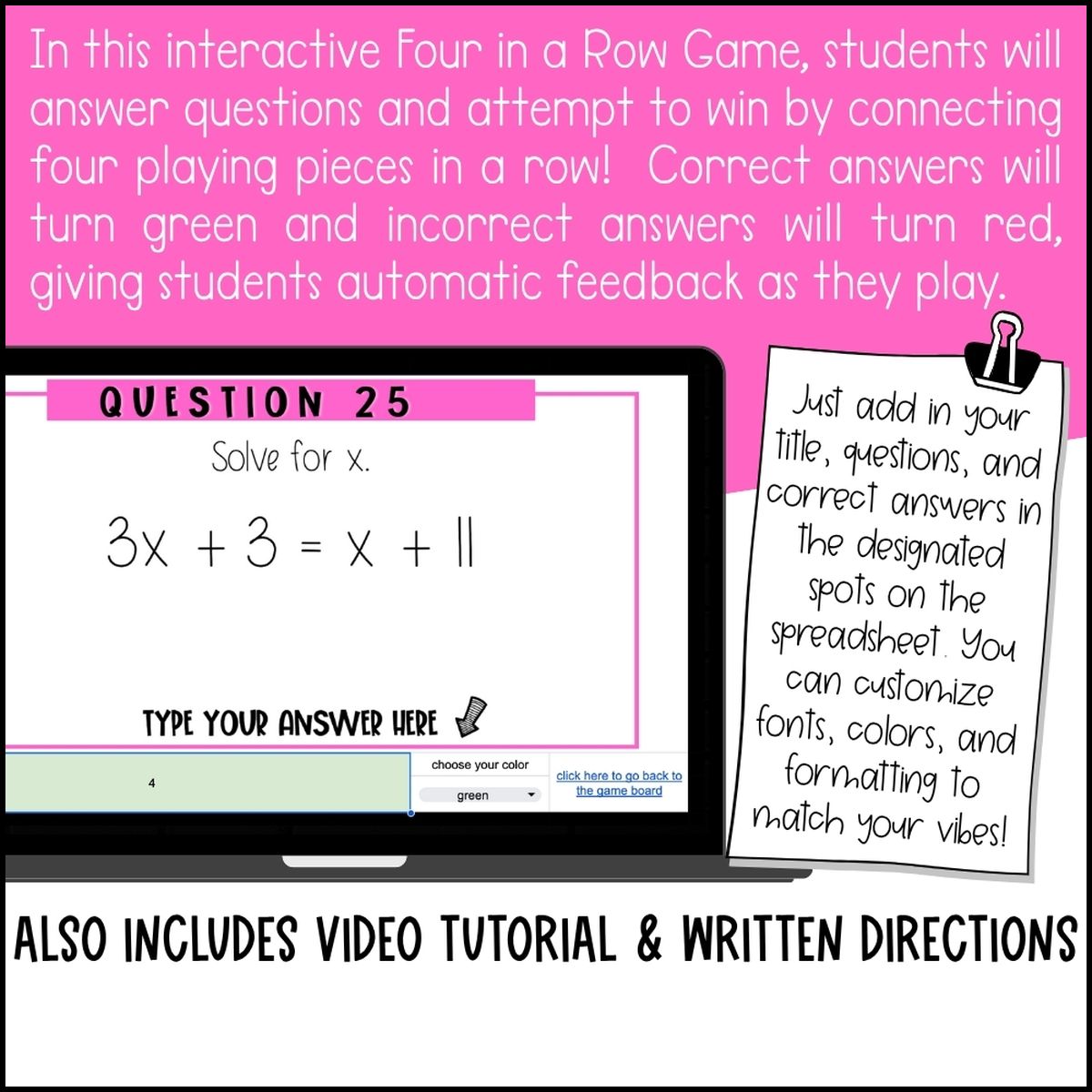
Each template uses built-in Google Sheets features (mostly conditional formatting and simple formulas) to compare what a student types against the correct answer you entered. If it matches, the cell turns green, the score ticks up, and the game piece moves. If it misses, the cell turns red and the student tries again, no penalty, no shame, no waiting.
You control everything from a teacher tab: the questions, the answers, sometimes the number of rounds or teams. Students only see the pretty game side. It’s like a worksheet with a bouncer: you set the rules at the door, and the game enforces them.
Game Formats Available as Google Sheets Game Templates for the Classroom
These aren’t one-trick ponies. Classic classroom games have been rebuilt as Google Sheets game templates for the classroom, including:
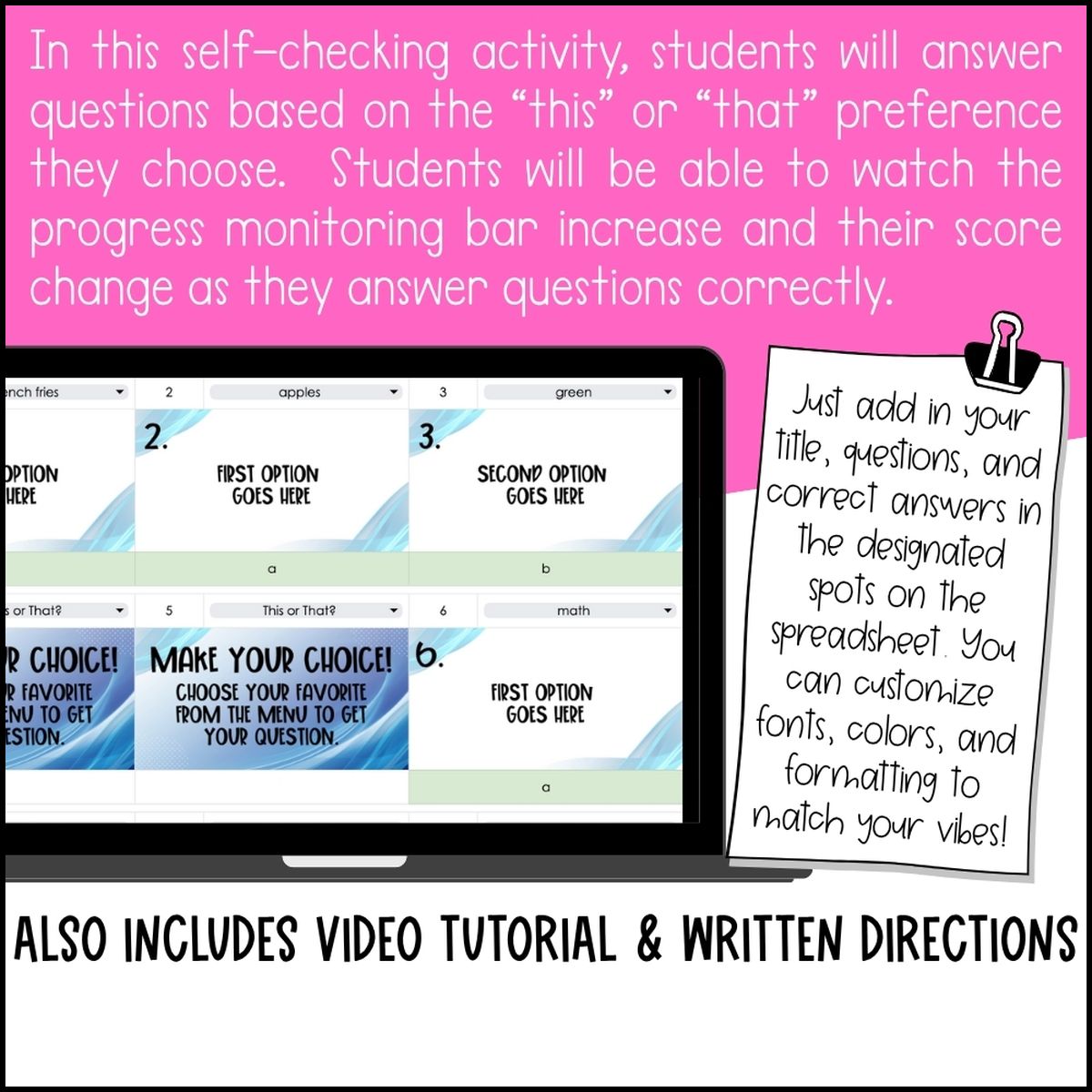
This or That
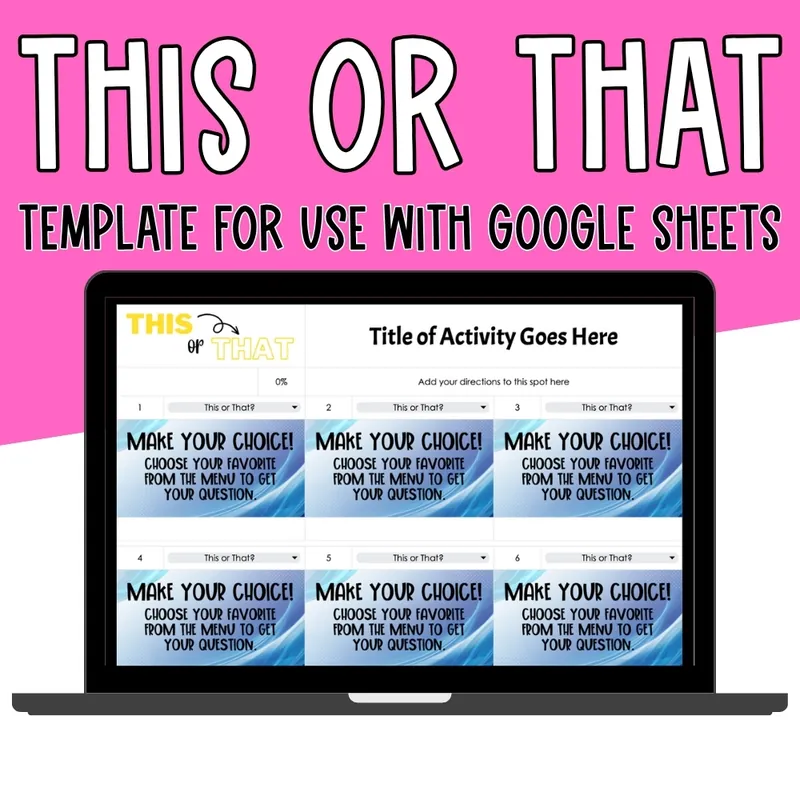
Students pick between two options: perfect for vocabulary (synonym or antonym?), math (greater than or less than?), or science (solid or liquid?). Fast rounds, high energy, works for literally any subject.
Four in a Row
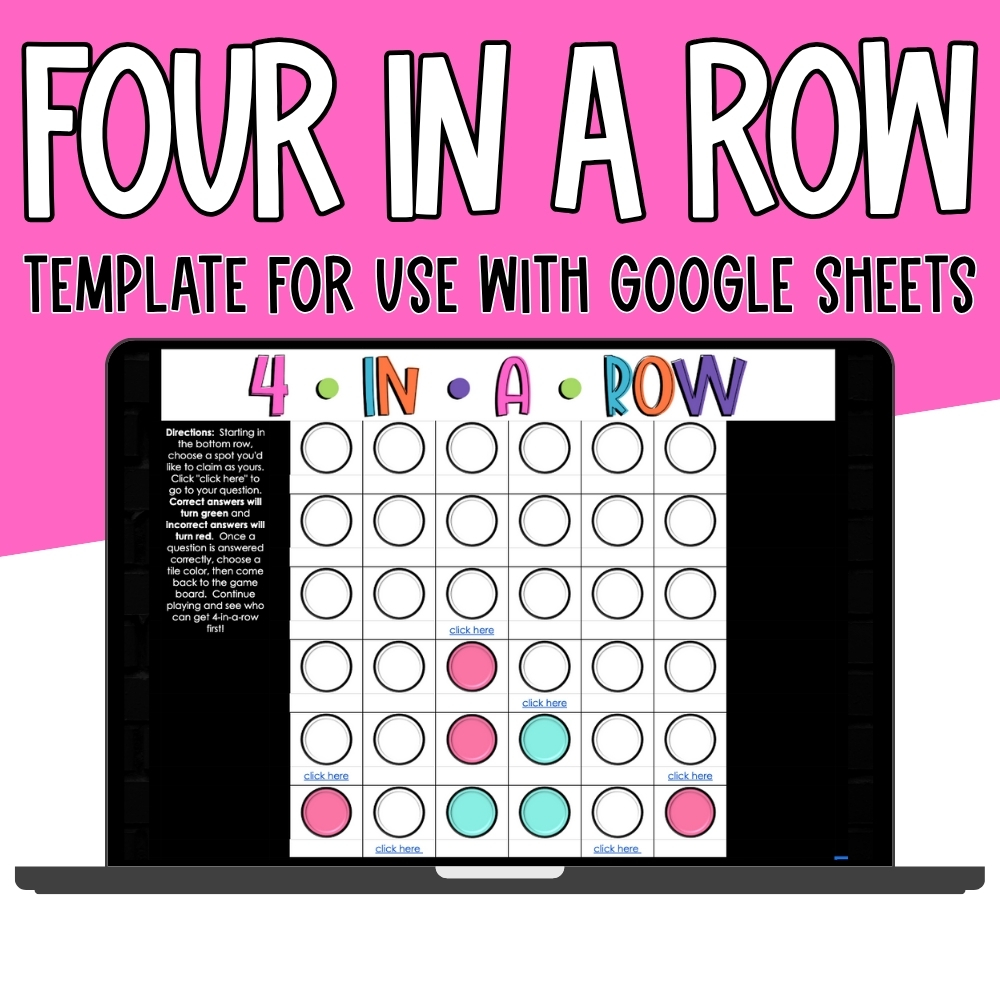
The Connect-Four-style strategy game, classroom edition. Students answer questions to claim squares and block opponents. It sneaks in an absurd number of review questions because kids will play “just one more round” until the bell rings.
Tic Tac Toe
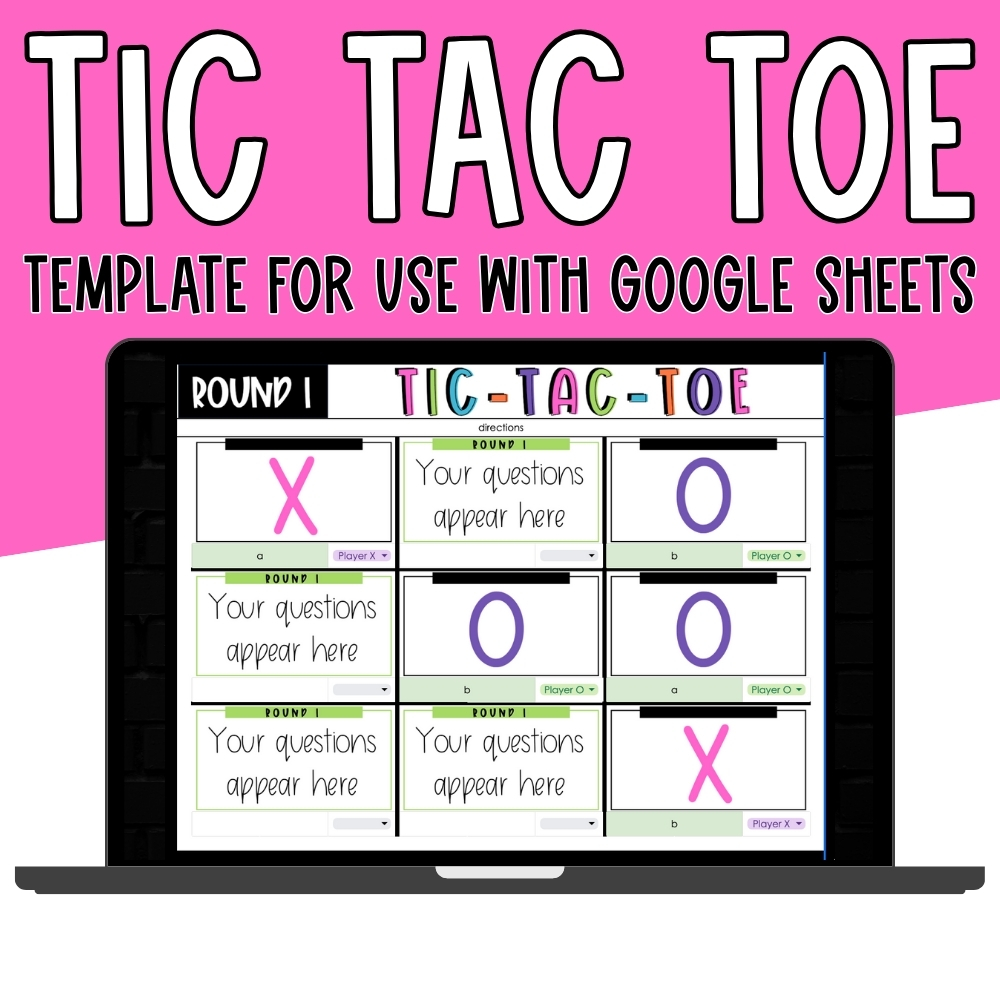
The timeless classic, upgraded. Answer correctly to claim your X or O. Simple enough for your youngest learners, strategic enough that older kids don’t roll their eyes.
Four of a Kind
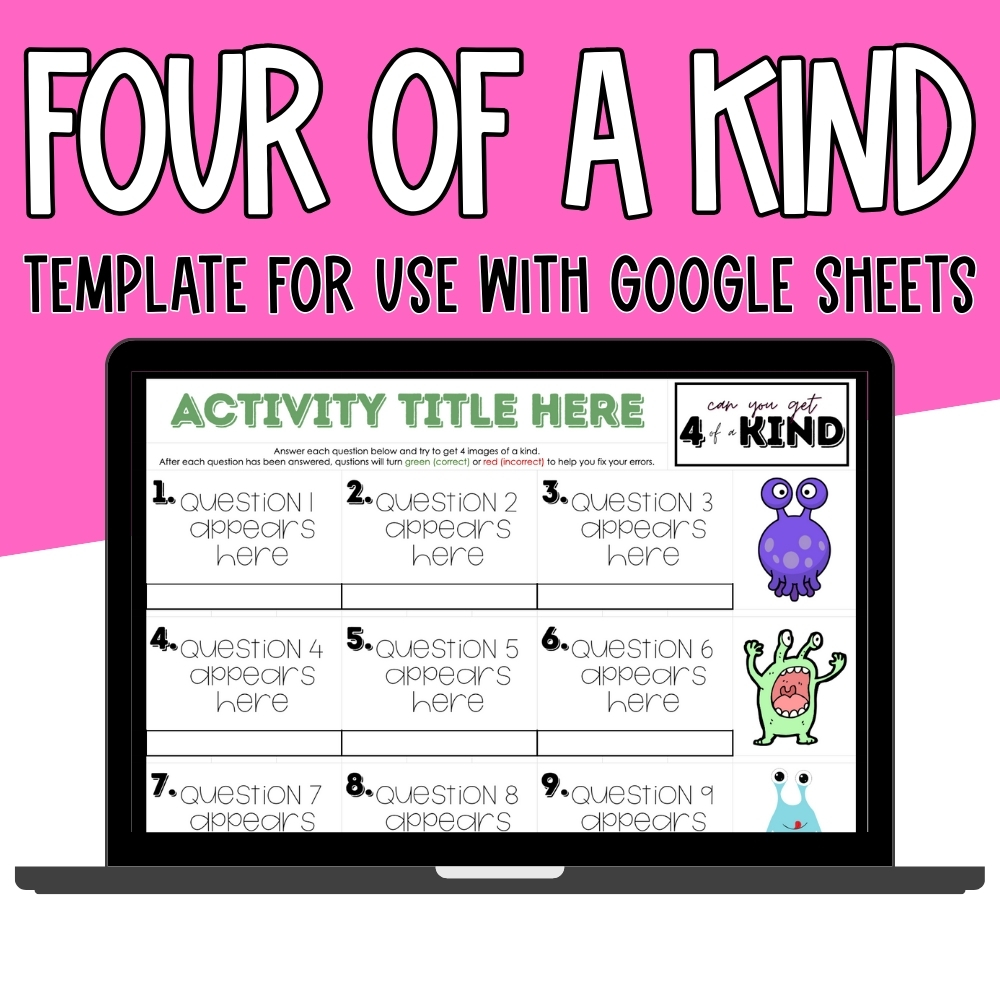
A brand-new format built for the classroom: collect matching sets by answering questions correctly. It’s so fun it got its own unveiling (more on that below).
Each format plays differently, so you can rotate through them across units without review day ever feeling stale.
What You Need to Run a Google Sheets Game Template in Your Classroom
The compatibility checklist is refreshingly short:
- A Google account (you already have one: it’s the same account you use for Drive and Classroom).
- A device with a browser for each student: Chromebooks are perfect for this.
- That’s it. No software to install, no extensions, no student accounts, no subscriptions.
You make a copy of the self-checking Google Sheets game template, drop in your questions, and share your copy with students via Google Classroom or a link. They play right in their browser. When the period ends, you close the tab. Done.
One honest note: these games are built for the full version of Google Sheets in a browser. They shine on Chromebooks, laptops, and desktops: the places your students already do schoolwork.
5 Ways to Use Them (Beyond Review Day)
- Test review days. The obvious one, and still the best one. Drop in your study guide questions and watch engagement triple.
- Centers and stations. Park a game at one station while you pull small groups. It’s genuinely independent: no “what do I do now?” interruptions.
- Early finisher activity. Keep a generic version (vocabulary, math facts) linked in Google Classroom at all times. Fast finishers stay busy and learning instead of… whatever they were doing before.
- Sub plans. Leave the link and a one-sentence direction. Your sub will think you’re a wizard, and your students will actually do the work.
- Remote learning days. Snow day? Sick day? Share the link in Google Classroom and learning continues from couches everywhere.
Frequently Asked Questions
Do these work on Chromebooks?
Yes. Chromebooks are arguably the best device for them. The games run in the browser-based version of Google Sheets, which is exactly what Chromebooks are built for. If your school is 1:1 with Chromebooks, you’re all set.
Do I need anything besides a Google account?
Nope. If you can open Google Drive, you can run these games. No installs, no extensions, no student accounts, no paid subscriptions. Your school Google account is the entire tech requirement.
Can I add my own questions?
Yes. That’s the whole point. Every template comes with a teacher tab where you type in your questions and answers. Swap them out for every unit, every subject, every class period. Enter once, play forever.
Will this work through Google Classroom?
Yes. Share your copy of the game as a link or an assignment in Google Classroom, just like you’d share a Doc or a Slide deck. Students click, play, and (miraculously) review.
Do my students need Google accounts to play?
If you share via Google Classroom, they’re already signed in. If you share a link, set the sharing so each student gets their own copy. No separate accounts or sign-ups needed either way.
Can I use the same template for multiple subjects?
Yes! The game mechanics stay the same; only your questions change. Use the same Four in a Row template for fractions on Monday and vocabulary on Friday. That’s what makes it a template and not a one-time activity.
Ready to Play? Grab Your Templates
If you’re done with review days that feel like pulling teeth, let a spreadsheet handle the checking. Head to my Digital Templates shop and grab the Google Sheets collection. my This or That template, my Four in a Row template, my Tic Tac Toe template, and my Four of a Kind template are all classroom-ready, fully self-checking, and waiting for your questions.
Your students get a game, and you get your evening back.